
Create your Templates
Learn to convert your slides into dynamic templates. Inject charts, images, and complex tables while respecting the original design.
How it works?
Instead of writing 'John Doe', you write {{client_name}}. When you upload your file and data, we fill everything automatically.
Customize Text
To make text dynamic, just enclose it in double curly braces.
In your PowerPoint
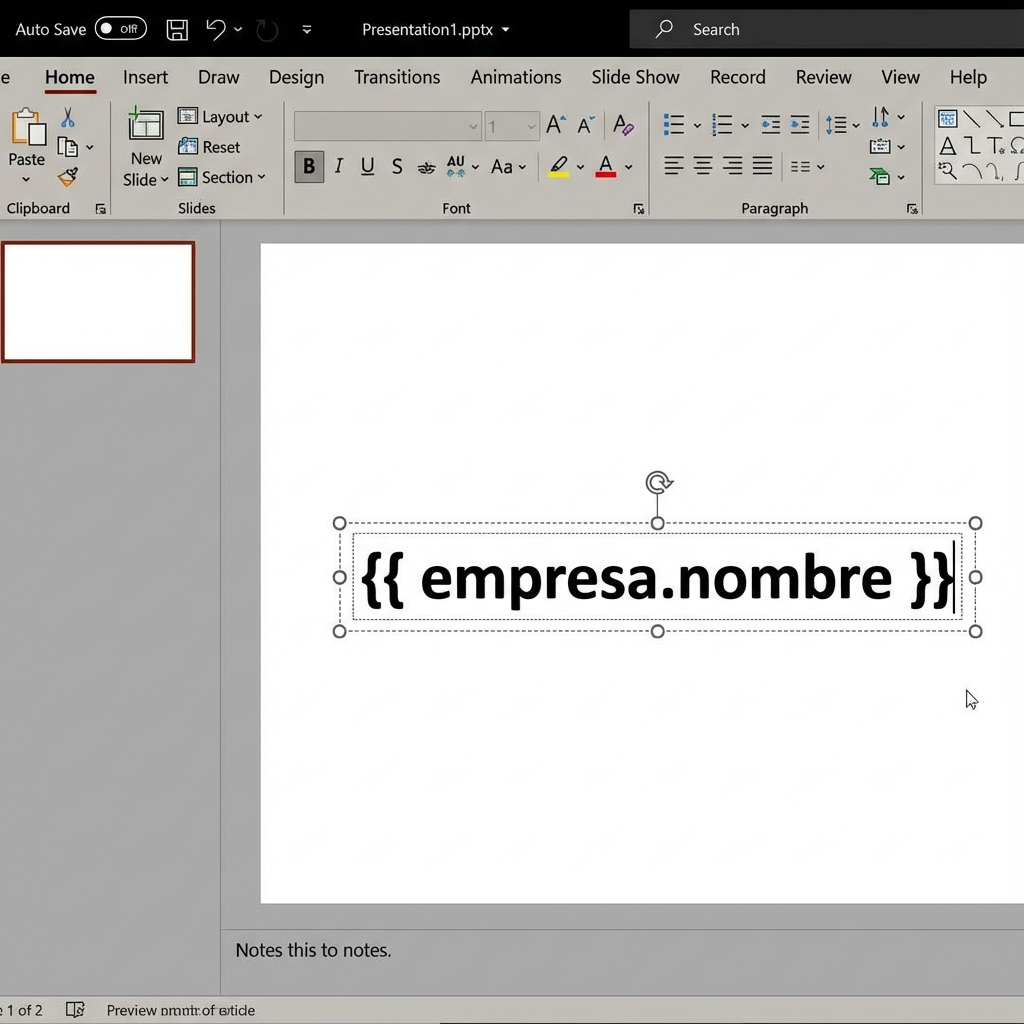
Bienvenido a {{ empresa }}.
Final Result
Hola, Carlos.
Bienvenido a Acme Corp.
Dynamic Images
You can change logos, profile photos, or product images automatically.
- 1
Insert an example image
Place any image on your slide to serve as a placeholder.
- 2
Edit "Alt Text"
Right-click the image > View Alt Text.
- 3
Write the data path
Write the name of the field containing the image link, for example: company_logo.
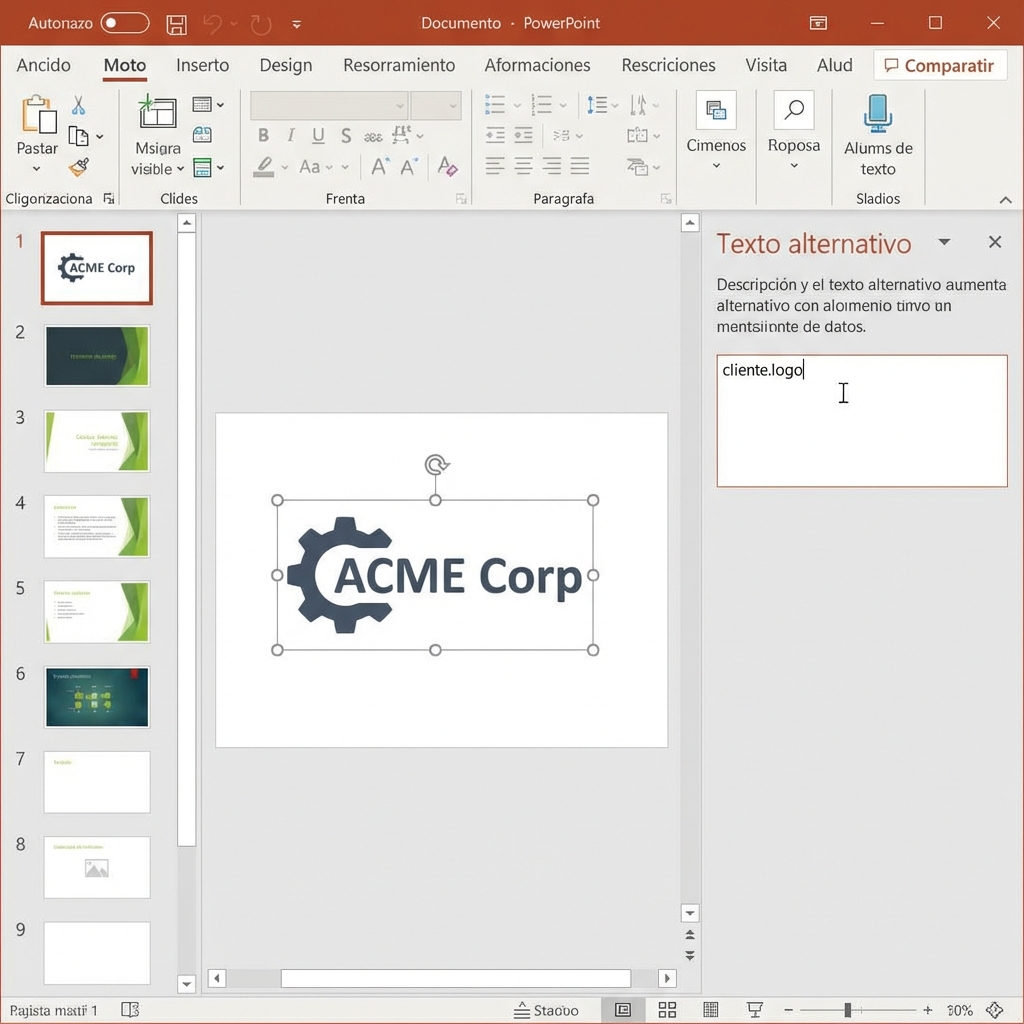
Panel de Texto Alternativo en PowerPoint
The new image will maintain the size and position of the original.
Repeat Slides
NewIdeal if you have a list of products, employees, or projects and want one slide for each.
Simple Steps
Design a single model slide.
In the Notes section (bottom of PowerPoint), write:
repeat_for: producto in catalogoIn your design, use {{product.name}}, {{product.price}}, etc.
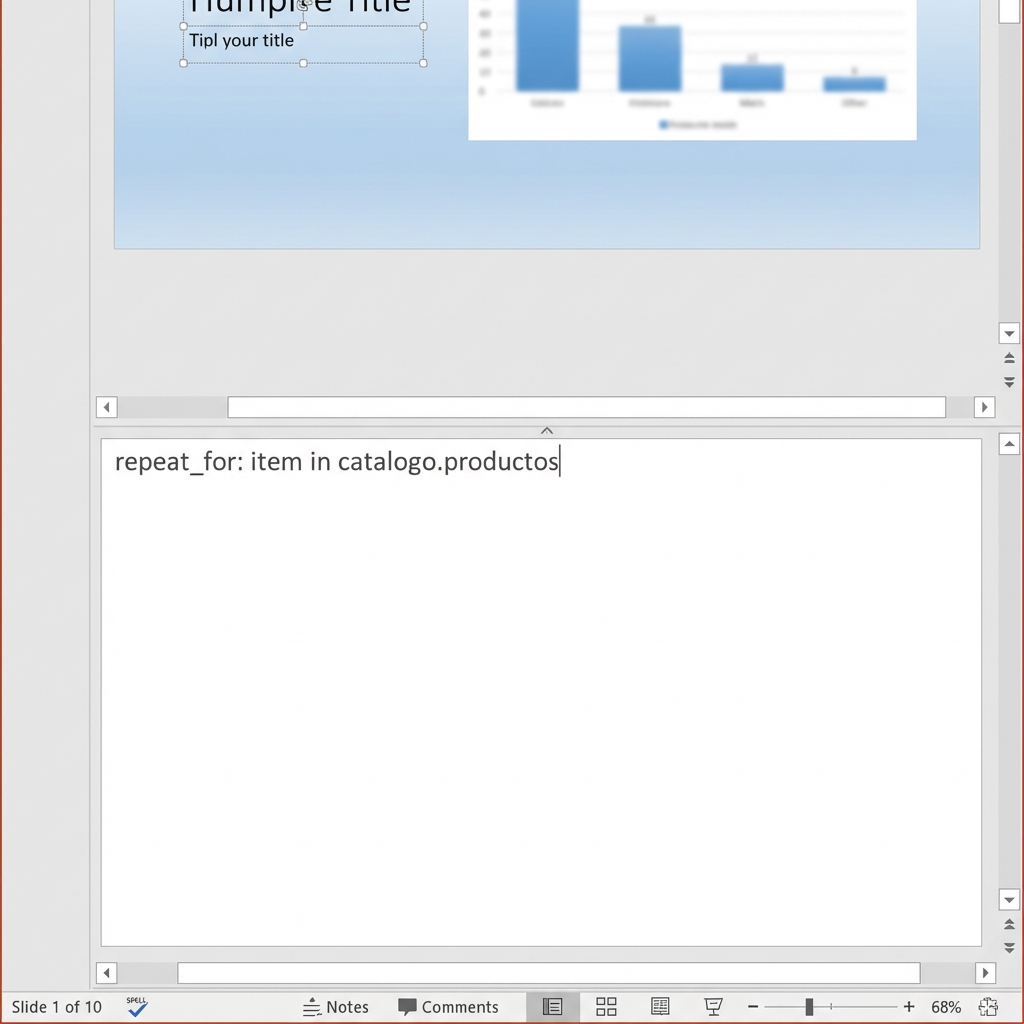
Panel de Notas en PowerPoint
Lists and Tables
Growing Tables
If you have a table in PowerPoint, just design the first row of data.
The system will detect it's a list and repeat that row downwards as many times as needed to show all your data.
Product Grids
For visual catalogs (e.g., 3 columns of products).
Group the image and text of a product, and in the Alt Text of the group put:
Advanced Section
For developers and technical users
Conditional Logic (Jinja2)
We support all standard Jinja2 syntax for flow control.
Oferta Premium
{% else %}
Oferta Estándar
{% endif %}
- {{ item.name }}
{% endfor %}
Custom Filters
| Custom Filters | Example | Result |
|---|---|---|
| num2words | {{ 150|num2words }} | ciento cincuenta |
| pluralize | {{ "mes"|pluralize(5) }} | meses |
Conditional Slides
In the slide Notes, add:
show_if: total_ventas > 10000